
ezOBD2 - Free OBD2 Code Lookup and Check Engine Light Diagnostic Tool

Find Your OBD2 Code Fast

Type the code from your scanner to get causes, symptoms, and fixes.

Code P0D3D

Quick reference

P0D3D at a glance

Plain-language meaning
This code means that the car's computer has detected a problem with the sensor that checks the voltage coming into the battery charger. It's like a sensor that checks if your phone charger is getting the right power, and it's saying something's wrong.
Urgency
Moderate – It is important to address this issue to ensure the battery charges properly and to avoid potential damage.
Difficulty
Moderate
System
Sensor Issue
Tools mentioned
Multimeter, OBD-II scanner, Basic hand tools

This summary uses the existing diagnostic information shown in full below.

Laymans terms

This code means that the car's computer has detected a problem with the sensor that checks the voltage coming into the battery charger. It's like a sensor that checks if your phone charger is getting the right power, and it's saying something's wrong.

Explanation

The code indicates an issue with the input voltage sensor circuit for the battery charger, which monitors the voltage level coming into the charger.

Technical description

P0D3D is a diagnostic trouble code (DTC) that refers to a malfunction in the input voltage sensor circuit of the battery charger. This sensor is responsible for ensuring that the voltage supplied to the battery charger is within the correct range. If the sensor detects a voltage that is too high, too low, or inconsistent, it triggers this code.

Symptoms

• Check engine light is on

• Battery not charging properly

• Warning message on the dashboard

Common Causes

• Faulty input voltage sensor

• Wiring issues such as open or short circuits

• Malfunctioning battery charger

Glossary

OBD-II: On-Board Diagnostics, a standard for vehicle self-diagnostics.

DTC: Diagnostic Trouble Code, a code that indicates a problem with the vehicle.

Diagnosis steps

• Inspect the wiring and connectors for damage or corrosion.

• Test the input voltage sensor for proper operation.

• Check the battery charger for faults.

Repair procedures

• Replace the faulty input voltage sensor.

• Repair or replace damaged wiring or connectors.

• Replace the battery charger if defective.

Tools required

• Multimeter

• OBD-II scanner

• Basic hand tools

Estimated repair cost

$150 - $400

Difficulty level

Moderate

Commonly affected vehicles

• Toyota Prius

• Chevrolet Volt

• Nissan Leaf

Preventive measures

• Regularly inspect and maintain electrical connections.

• Ensure the battery charger is functioning correctly.

• Monitor battery health regularly.

Error code type

Sensor Issue

User experience recommendations

• Have a professional inspect the vehicle if the check engine light is on.

• Avoid using the vehicle's electric systems extensively until the issue is resolved.

Warranty information

Check with your vehicle manufacturer for specific warranty coverage related to electrical components.

Historical data

This code is relatively common in hybrid and electric vehicles due to the complexity of their charging systems.

Urgency level

Moderate – It is important to address this issue to ensure the battery charges properly and to avoid potential damage.

Testing conditions

• Vehicle in 'Ready' mode

• Battery charger connected

Component location

The input voltage sensor is typically located near the battery charger or within the charging system circuit.

FAQs

Q: Can I drive with a P0D3D code?
A: It's not recommended, as the battery may not charge properly, leading to further issues.

Q: How do I clear a P0D3D code?
A: After repairs, use an OBD-II scanner to clear the code, but ensure the issue is resolved first.

Optional diagnostic gear

Tools that may help diagnose P0D3D

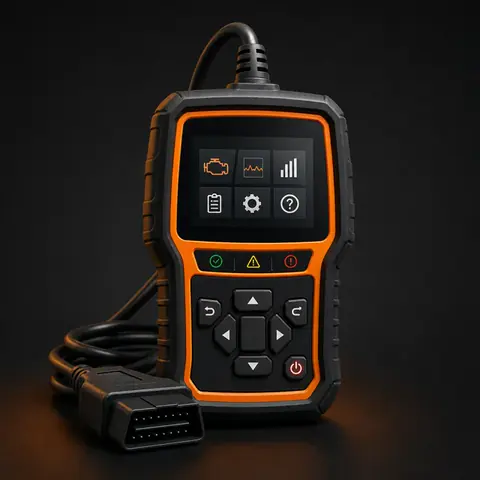
FOXWELL NT301 diagnostic tool illustration

Budget · Enhanced code reader

FOXWELL NT301

A wired color-screen reader with readiness hotkeys, live data, code definitions, and data logging.

A dependable first-pass scanner for verifying the code and checking live data or readiness monitors.

View on Amazon
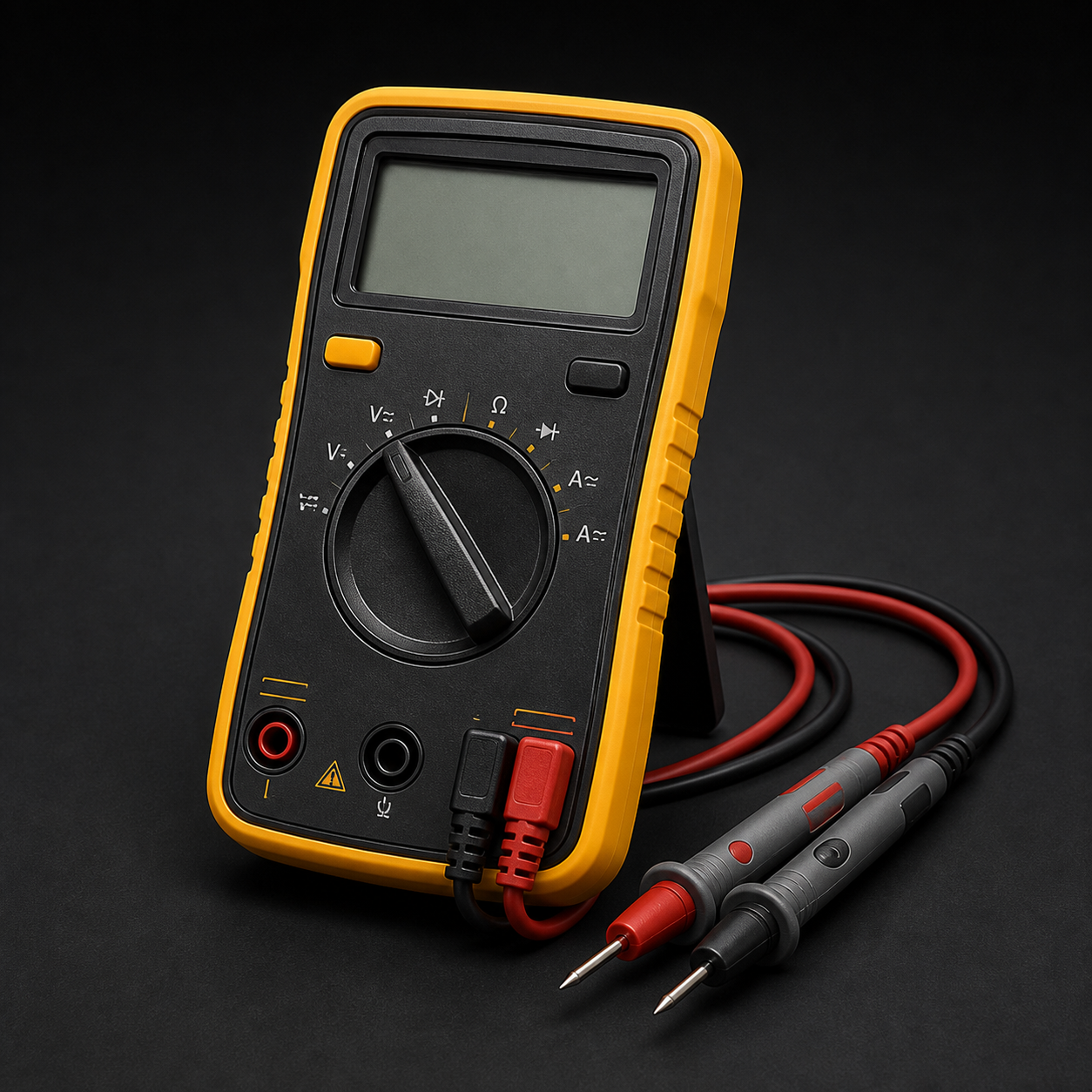
Klein Tools MM325 diagnostic tool illustration

Universal · Digital multimeter

Klein Tools MM325

A solid entry-level multimeter for voltage, continuity, resistance, and basic electrical troubleshooting.

Helpful for voltage, continuity, and basic electrical checks while narrowing down the fault.

View on Amazon
TEKTON 3/8" Socket and Ratchet Set diagnostic tool illustration

Universal · Socket set

TEKTON 3/8" Socket and Ratchet Set

A practical metric and SAE socket set for many diagnostic teardowns and component replacements.

Useful for common under-hood access and removal work during diagnosis or repair.

View on Amazon

These are optional diagnostic tools, not guaranteed fixes. As an Amazon Associate I earn from qualifying purchases.

Source: ezOBD2 diagnostic database
🌙